Connect to MetaMask using JavaScript
Get started with MetaMask Connect in your JavaScript dapp. You can download the quickstart template or manually set up MetaMask Connect in an existing dapp.
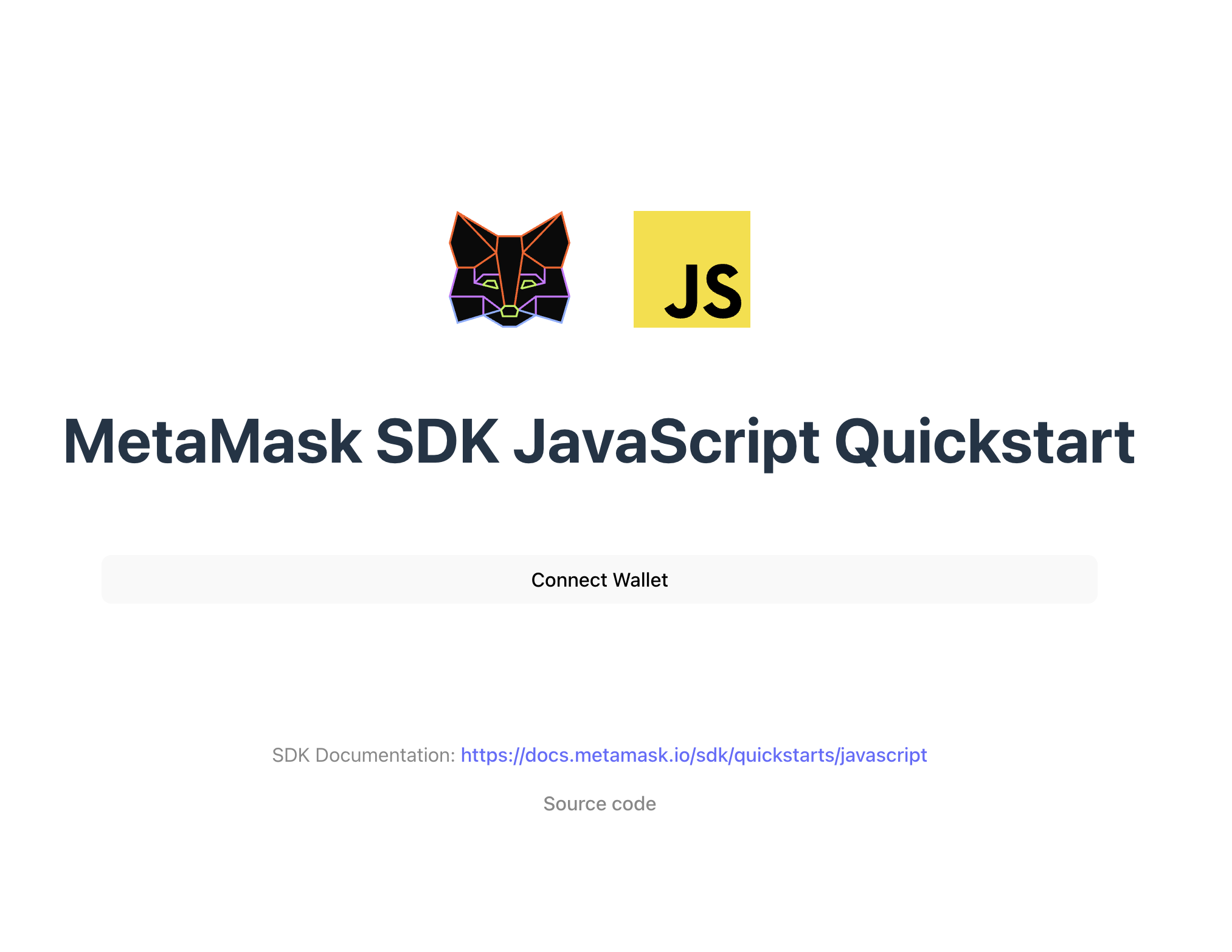
Prerequisites
- Node.js version 19 or later installed.
- A package manager installed, such as npm, Yarn, pnpm, or bun.
- MetaMask installed in your browser or on mobile.
- An Infura API key from the MetaMask Developer dashboard.
Set up using a template
-
Download the MetaMask Connect JavaScript template:
npx degit MetaMask/metamask-sdk-examples/quickstarts/javascript metamask-javascript -
Navigate into the repository:
cd metamask-javascriptDegit vs. Git clone
degitis a tool that enables cloning only the directory structure from a GitHub repository, without retrieving the entire repository.Alternatively, you can use
git clone, which will download the entire repository. To do so, clone the MetaMask Connect examples repository and navigate into thequickstarts/javascriptdirectory:git clone https://github.com/MetaMask/metamask-sdk-examples
cd metamask-sdk-examples/quickstarts/javascript -
Install dependencies:
pnpm install -
Create a
.env.localfile:touch .env.local -
In
.env.local, add aVITE_INFURA_API_KEYenvironment variable, replacing<YOUR-API-KEY>with your Infura API key:.env.localVITE_INFURA_API_KEY=<YOUR-API-KEY> -
Run the project:
pnpm dev
You've successfully set up MetaMask Connect.
Set up manually
1. Install MetaMask Connect
Install MetaMask Connect in an existing JavaScript project:
- npm
- Yarn
- pnpm
- Bun
npm install @metamask/connect-evm
yarn add @metamask/connect-evm
pnpm add @metamask/connect-evm
bun add @metamask/connect-evm
2. Initialize MetaMask Connect
The following is an example of using MetaMask Connect for an EVM dapp in a JavaScript project:
import { createEVMClient } from '@metamask/connect-evm'

const evmClient = createEVMClient({
  dapp: {
    name: 'Metamask Connect EVM Example',
    url: window.location.href,
    iconUrl: 'https://mydapp.com/icon.png', // Optional
  },
  api: {
    supportedNetworks: {
      'eip155:1': 'https://mainnet.infura.io/v3/YOUR_INFURA_API_KEY',
      'eip155:11155111': 'https://sepolia.infura.io/v3/YOUR_INFURA_API_KEY',
    },
  },
})
These examples configure MetaMask Connect with the following options:
dapp- Ensures trust by showing your dapp'sname,url, andiconUrlduring connection.api.supportedNetworks- A map of caipChainIds -> RPC URLs for all networks supported by the app.
3. Connect and use provider
Connect to MetaMask and get the provider for RPC requests:
const provider = evmClient.getProvider()

const accounts = await evmClient.connect()
console.log('Connected account:', accounts[0])

const result = await provider.request({
  method: 'eth_accounts',
  params: [],
})
console.log('eth_accounts result:', result)
evmClient.connect() handles cross-platform connection (desktop and mobile), including deeplinking.
Use provider.request() for arbitrary JSON-RPC requests like eth_chainId or eth_getBalance, or for batching requests via metamask_batch.
Common MetaMask Connect methods at a glance
| Method | Description |
|---|---|
connect() | Triggers wallet connection flow |
connectAndSign({ msg: "..." }) | Connects and prompts user to sign a message |
getProvider() | Returns the provider object for RPC requests |
provider.request({ method, params }) | Calls any Ethereum JSON‑RPC method |
| Batched RPC | Use metamask_batch to group multiple JSON-RPC requests |
Usage example
// 1. Connect and get accounts
const accounts = await evmClient.connect()

// 2. Connect and sign in one step
const signResult = await evmClient.connectAndSign({
  msg: 'Sign in to the dapp',
})

// 3. Get provider for RPC requests
const provider = evmClient.getProvider()

// 4. Make an RPC request
const result = await provider.request({
  method: 'eth_accounts',
  params: [],
})

// 5. Batch multiple RPC requests
const batchResults = await provider.request({
  method: 'metamask_batch',
  params: [{ method: 'eth_accounts' }, { method: 'eth_chainId' }],
})